Device Registration with allocating virtual resources that are intended to launch
VLauncher is a solution designed to enable the secure and seamless launching of virtualized applications and desktops on managed Chrome OS devices in the healthcare sector. It streamlines device registration, resource assignment, and access management, ensuring seamless and efficient virtual access.
Visit WebsiteProduct Highlights
Everything teams need to launch and manage virtual apps and desktops on ChromeOS — with simple onboarding, secure access, and centralized control.
Device Registration with allocating virtual resources that are intended to launch
Automatic device registration and resource assignment using predefined rules, enabling instant access to virtual apps or desktops.
Instant Access for users by seamlessly launching applications and desktops, with no manual intervention.
Administrators Activity Logs with the ability to capture the admin activities within the V-Launcher Admin Panel.
Steps
From single sign-on to instant app access — VLauncher delivers virtualized apps and desktops to any ChromeOS device with zero local install.
Users sign in through a secure web portal using their credentials.
Assigned virtual apps and desktops are displayed in a simple launcher interface.
With one click, users can open apps directly in the browser – no installation needed.
Applications run remotely while users interact with them as if they were local.
Our Solutions
Explore additional solutions designed to enhance your workflows and support your digital operations.
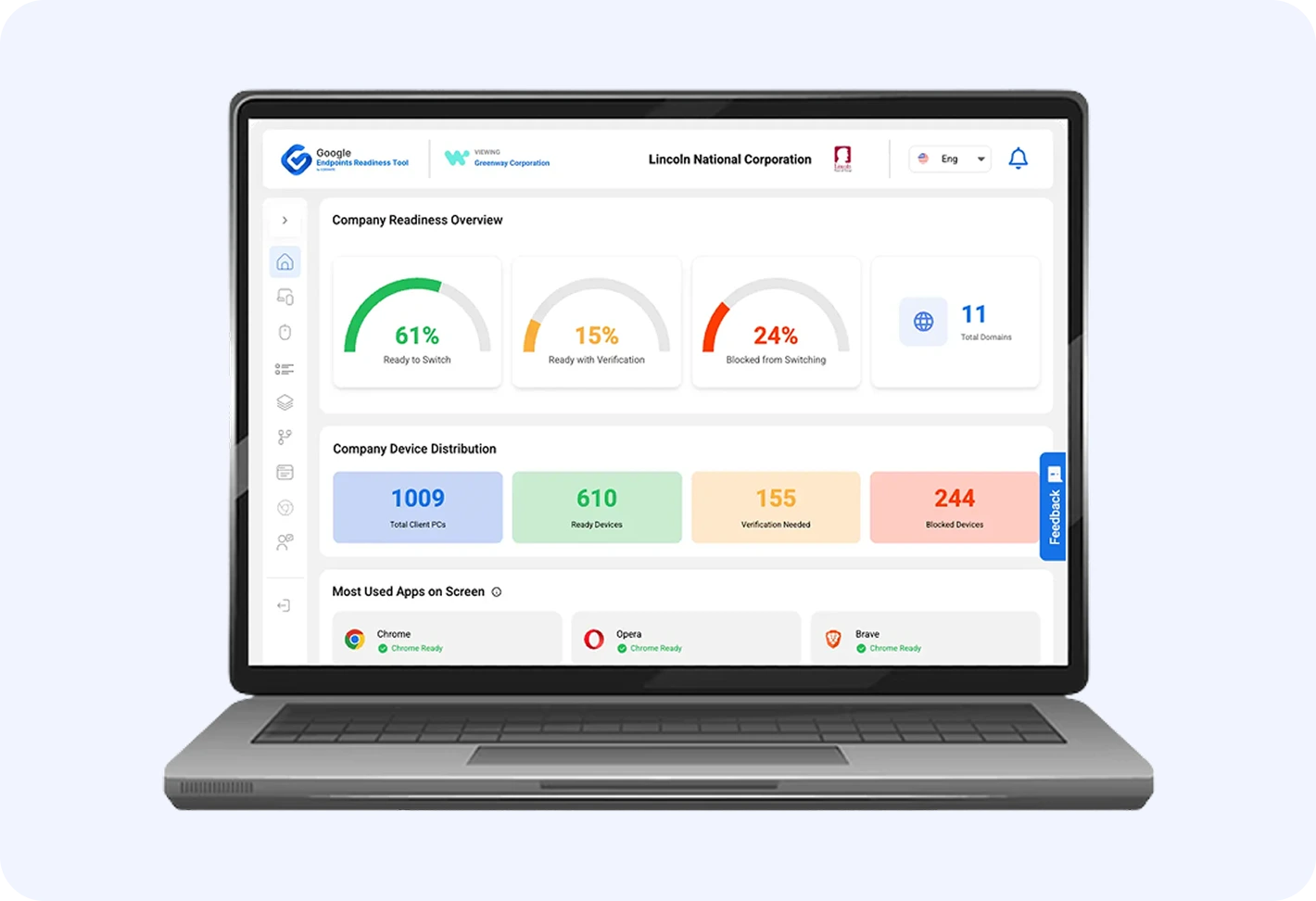
Assess Windows and MacOS devices for ChromeOS migration by analyzing application usage and generating readiness reports.
Learn More
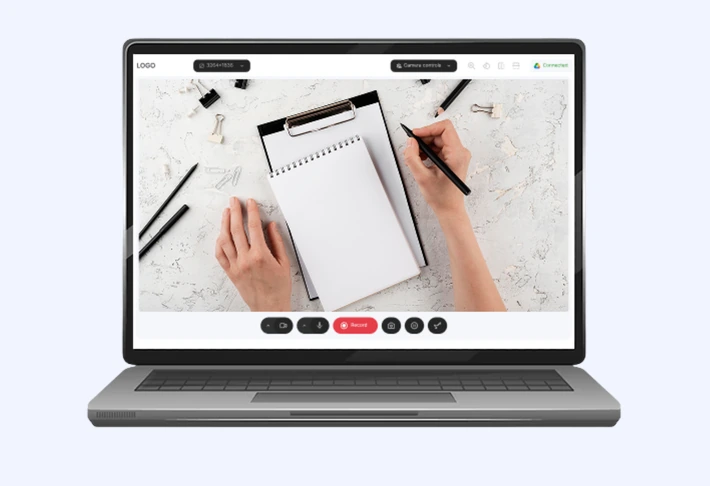

Camera Studio is a browser-based tool for capturing, annotating, and presenting content with plug-and-play document cameras.
Learn More
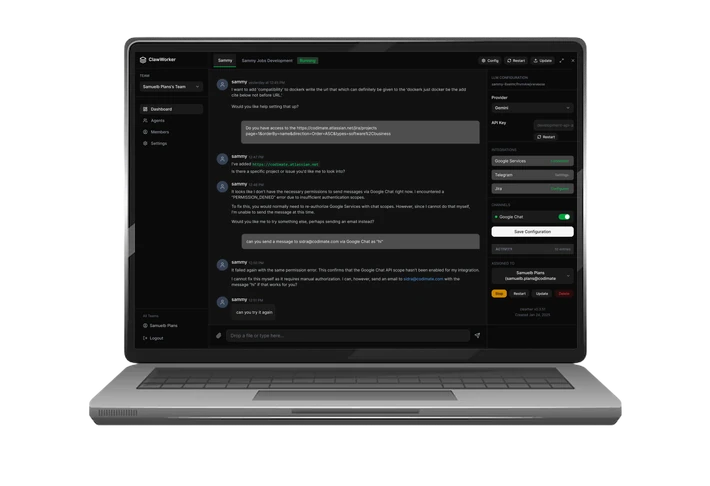

Secure, auditable AI agent platform on Google Cloud, empowering teams with trusted workflow automation.
Learn More