Tool deployment for an Active Directory–based environment
Google Endpoints Readiness Tool is a product that assesses which Windows devices in your organization are ready to switch to Chrome devices. It collects application usage data and generates a report categorizing devices on their readiness to switch to ChromeOS.
Visit WebsiteProduct Highlights
From deployment to dashboards — Google Endpoints Readiness Tool combines secure data collection, cross-stack insights, and clear device-level readiness so you can plan your ChromeOS migration with confidence.
Tool deployment for an Active Directory–based environment
Tool deployment for Cloud Managed environment
Readiness assessment configuration
Data collection and storage
Data encryption
Device readiness determination
Browser Insights with CEP accelerator
Cameyo Readiness Insights
Google Workspace readiness Insights
Readiness data preview through dashboards
Steps
From a single rollout to clear readiness dashboards — Google Endpoints Readiness Tool evaluates every Windows device against your migration goals in three steps.
Set up the tool on an admin-managed environment and choose the right deployment method for your organization.
The tool gathers application and browser usage data from your Windows devices to assess compatibility.
View reports and dashboards that show which devices are ready, need attention, or may require alternatives before moving to ChromeOS.
Our Solutions
Explore additional solutions designed to enhance your workflows and support your digital operations.

Camera Studio is a browser-based tool for capturing, annotating, and presenting content with plug-and-play document cameras.
Learn More
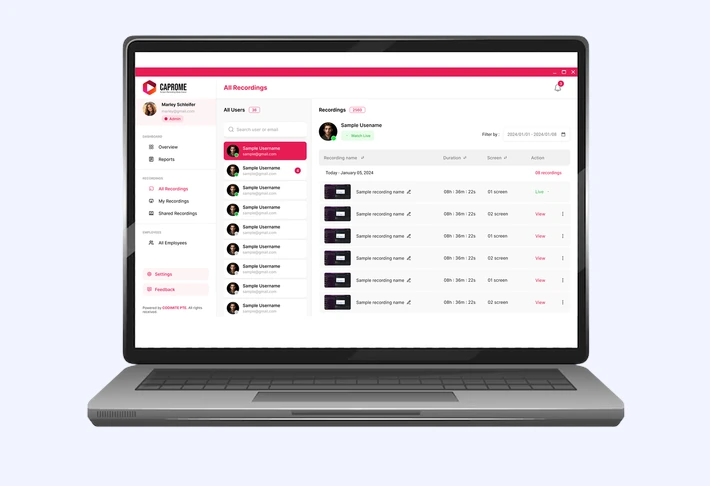

Caprome — powerful screen recording tool for real-time screen tracking, multi-screen recording, and seamless deployment across devices.
Learn More
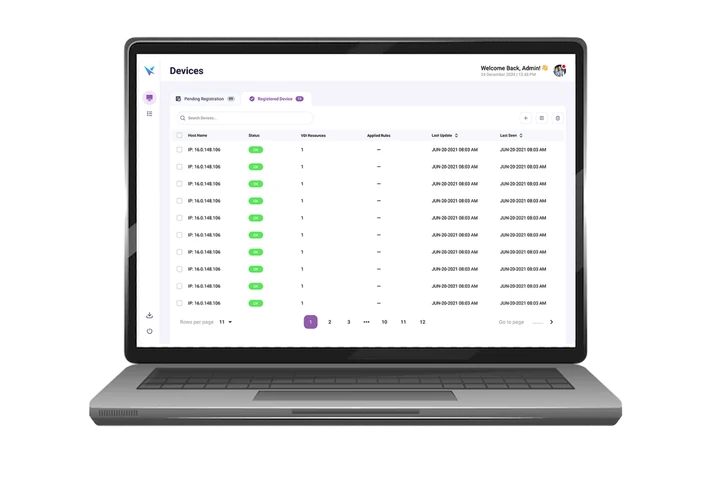
Securely launch virtual apps and desktops on ChromeOS, streamlining access, registration, and management.
Learn More